
FEATURES
OpenAEC Features
Set the standard, compare it, verify it, correct it.
One environment for the whole process of building BIM data you can trust.
Requirements
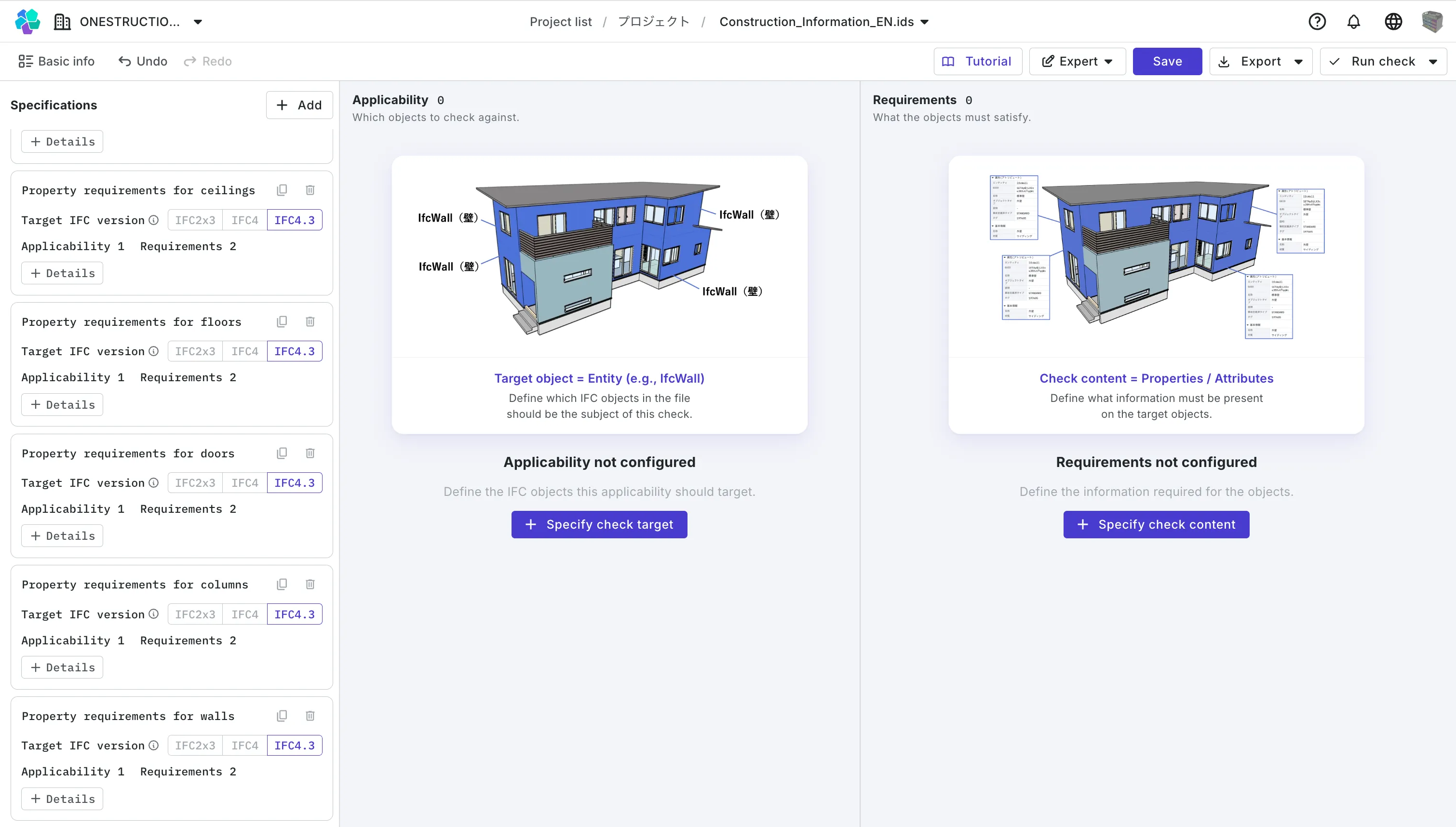
Author and manage BIM rules
Author the BIM rules your company, department or team has to follow
using technologies such as bSDD, IDS and Dynamo.
Production
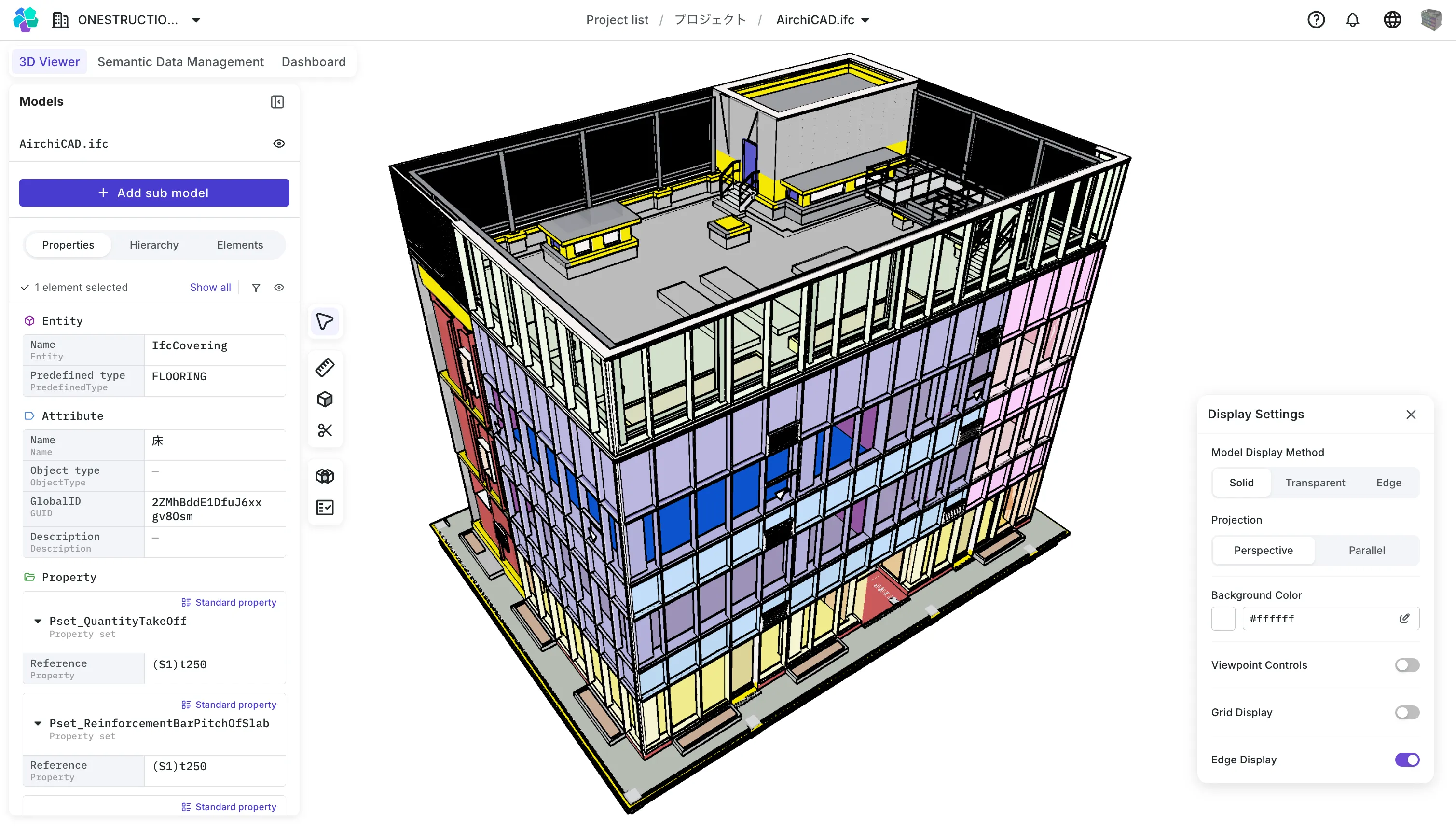
Review the BIM data you produced
Anyone can open and review BIM data authored in BIM tools straight from the browser.
BIM data can be edited as well.
Review
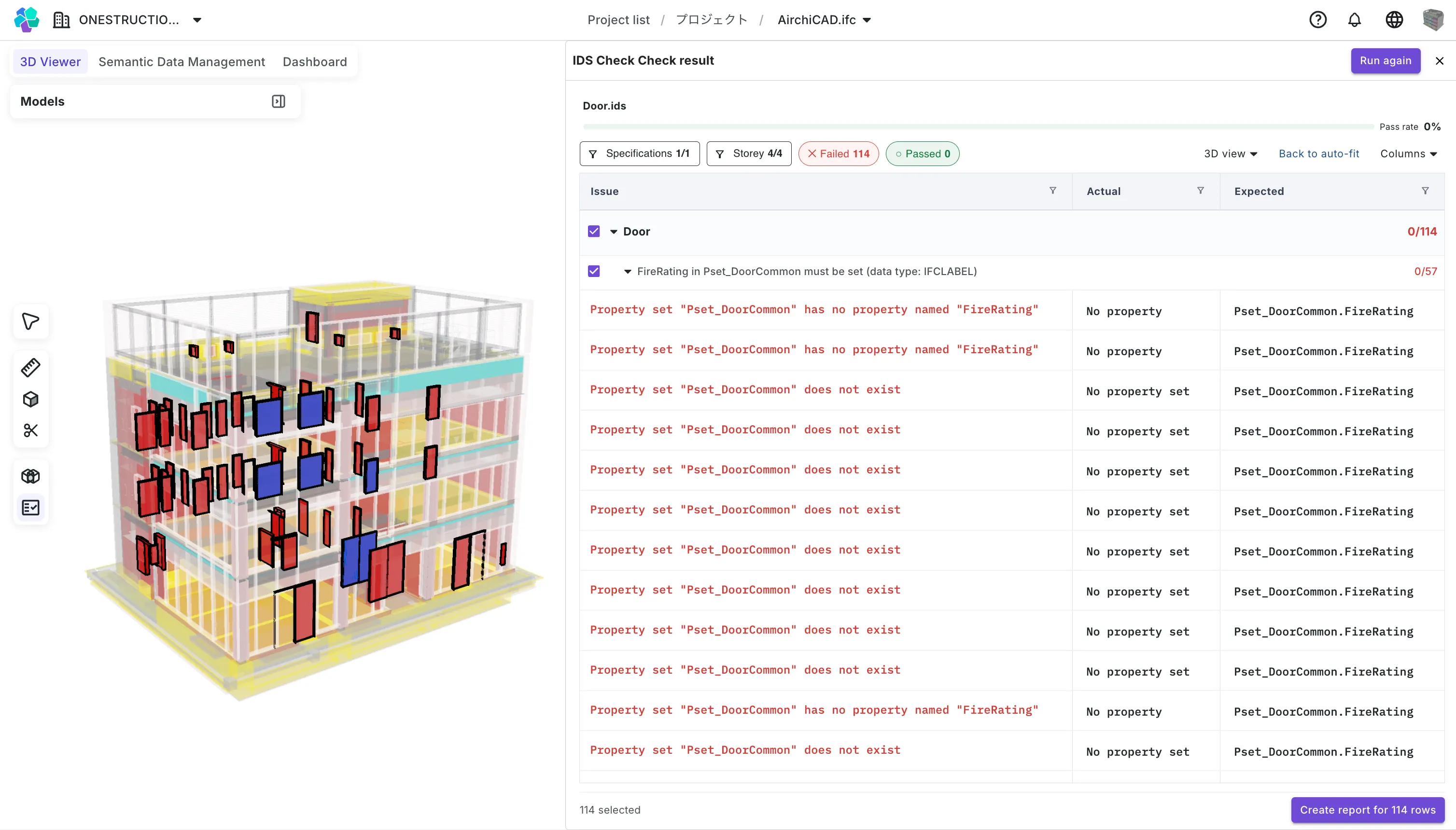
Check BIM data automatically
Coordination work that used to be checked by eye such as consistency, clashes and clearances is automated, so it can be run efficiently.
Operations
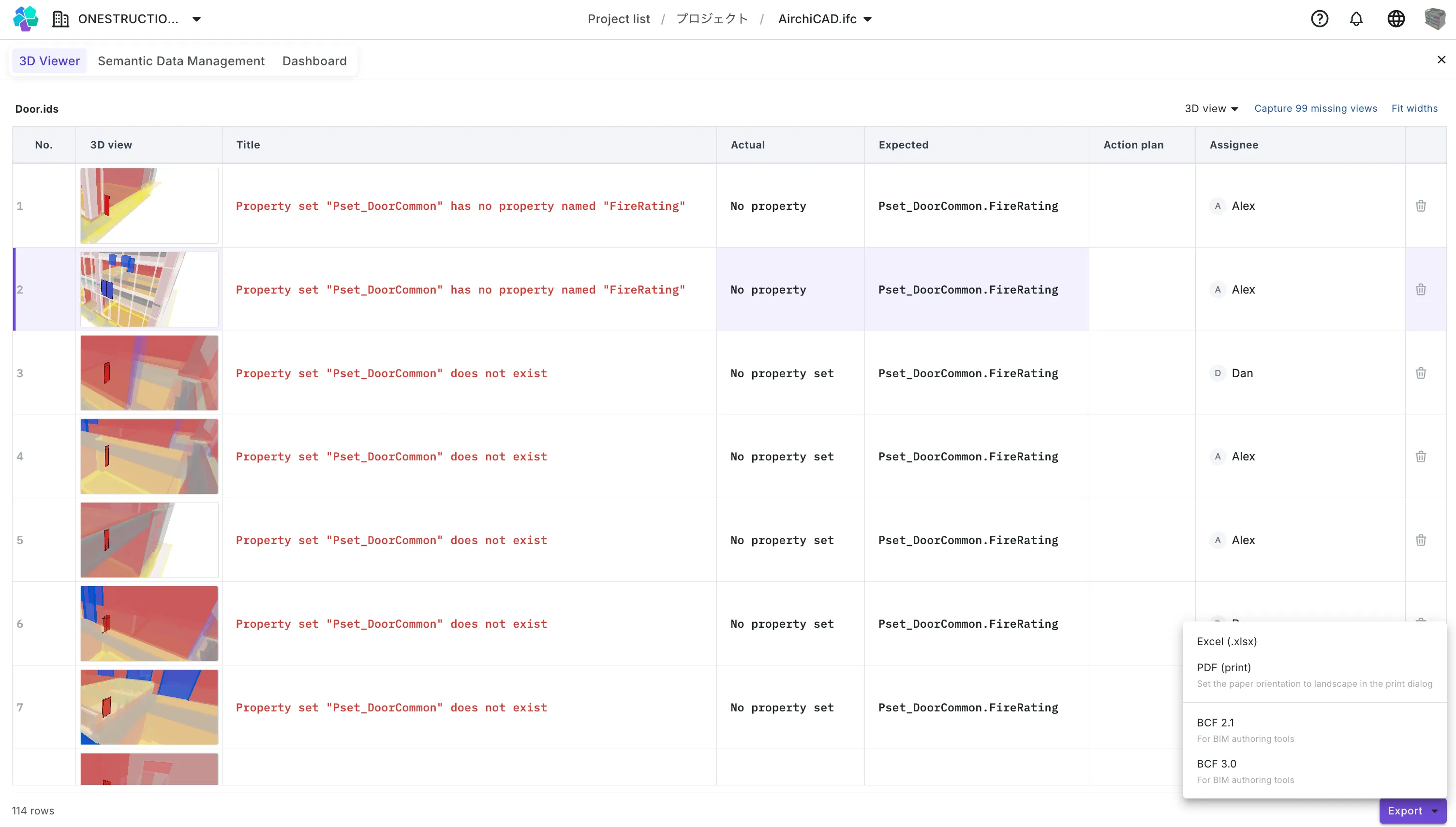
Raise and share what you find
In OpenAEC, you can assign errors and areas requiring correction that were identified during a check to responsible personnel as generated issue reports.
Other features
*Available features differ by plan.


Revit and multi-format support
Works with Revit (RVT) data as well as PDF, Excel and other formats.

Revit to IFC conversion
Convert RVT data to IFC to streamline conversion work.

Dynamo execution
Run Dynamo in the browser, so anyone can operate it.

Dashboards
Browse check results and more as a dashboard for an at-a-glance view.


CDE (Forma / Box) integration
Connect to your existing common data environment and keep data in sync.